Crowded airwaves
In complexes and estates, every router nearby competes for the same channels. The older 2.4 GHz band only has room for a few networks side by side, so it fills up fast.
Video calls freeze, WhatsApp calls cut out and shows stop to buffer. When WiFi keeps dropping, it's usually one of a few causes. Most of them can be fixed.
In complexes and estates, every router nearby competes for the same channels. The older 2.4 GHz band only has room for a few networks side by side, so it fills up fast.
Phones, laptops, TVs, speakers and cameras all share one router. The basic router from your internet service provider (ISP) can struggle to keep up with them all.
A device at the edge of your WiFi's reach hangs on to a weak signal until it drops. Every wall and floor brings that edge closer.
Video calls and WhatsApp calls need a steady connection more than a fast one. A few seconds of weak signal is enough to freeze the picture or cut the call, where a download would only slow down for a moment.
If everything drops at once, even right next to the router, look at the fibre box on your wall. A red light, often marked LOS, means the fibre line itself is down. Report the fault to your ISP.
A mesh system puts a strong signal in every room, so your devices are never at the edge of your WiFi's reach. WiFi 7 handles more devices at once and keeps lag low for calls, streaming and gaming. The Cudy M11000 we install is recommended for up to 200 connected devices.
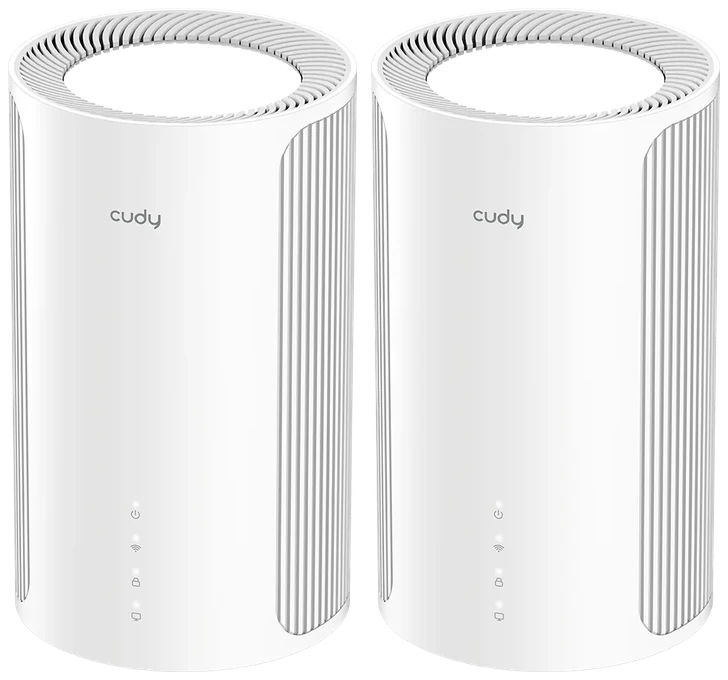
For apartments, townhouses and smaller homes, up to about 150 m².
R5,998 for the units and R2,999 for installation
or 2 interest-free payments of R4,498.50 with 

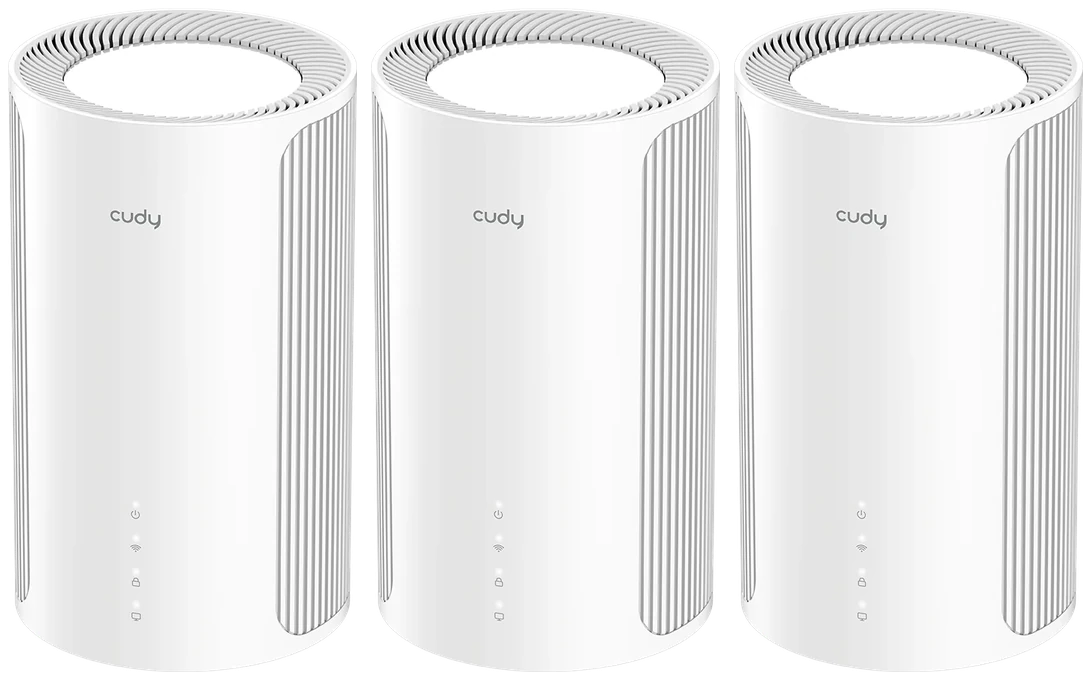
For most family homes and double-storeys, up to about 250 m².
R8,997 for the units and R2,999 for installation
or 2 interest-free payments of R5,998 with
For bigger homes, a garden flat, the garage or the pool. About 80 m² more each.
One fixed fee for any number of units. We bring the kit, find the best spot for each unit, connect your fibre and test every room.
Coverage figures are our own conservative guide for typical brick homes. Cudy rates the 2-Pack at 250 m² and the 3-Pack at 350 m² in ideal conditions. Walls, floors, layout and interference from nearby networks all reduce range, so results vary from home to home. For additional coverage, simply add more units.
Not sure which pack? Answer three quick questions“I host client Zoom meetings all day, so dropped connections were a huge problem for me. Bulletproof’s team was super professional and had us set up in no time. Now my video calls are crystal clear and my husband is delighted he can stream live sports at the same time without dragging down my connection.”
Three quick checks show where the speed goes.
Read moreWhat causes dead zones and how to fill them.
Read moreWhy extenders often disappoint and when mesh is the better buy.
Read moreWhy videos stall on the TV and how to keep them playing.
Read moreChoose your package and pick a date. Order today and your WiFi problems could be gone by .