Why does YouTube keep buffering?

The spinning circle always seems to turn up at the best part. If you have fibre, the trouble is often the WiFi between your router and the screen. These quick checks show where it is and what fixes it.

SA 24NZ 2479:41LIVEBuffering...

Three quick checks

All you need is your phone and a YouTube video. It takes a few minutes.

  1. 1

    Play it next to the router

    Switch off your phone's mobile data, so it uses the WiFi. Stand next to your router and play a YouTube video in HD.

  2. 2

    Play it where it buffers

    Play the same video on your phone in front of the TV that keeps buffering.

  3. 3

    Compare the two

    Smooth by the router and stuck by the TV means your WiFi is losing the signal on the way. Buffering in both places points to the fibre line or your internet service provider (ISP).

Your TV can tell you too

In the YouTube app on most smart TVs, open the settings while a video plays and choose Stats for nerds. Connection speed shows roughly what the TV is getting, in Kbps. HD needs about 5,000 and 4K about 20,000.

Is it your WiFi, your fibre or YouTube?

A video reaches your TV from YouTube, through your ISP and the fibre line, then over your WiFi. Your two tests show which one is holding it up.

  1. Your WiFi

    Smooth next to the router, buffering by the TV.

    Walls and floors weaken the signal before it reaches the screen. Every other device in the house shares it too.

    A mesh system fixes this.

  2. The fibre line or your ISP

    Buffering everywhere, even right next to the router. It's often worst in the evening.

    There's a fault on the line or your ISP's network is too busy.

    Look for a red light on the fibre box on your wall and ask your ISP to check your line.

  3. YouTube

    Everything else streams fine, but YouTube stalls on every device.

    Now and then the app or YouTube itself has a problem.

    Restart or update the app and try again later.

Why YouTube buffers on the TV

YouTube loads a little of the video ahead of what you're watching. When the WiFi can't keep that topped up, the picture turns blurry or the circle starts spinning. These are the usual reasons.

The TV is far from the router

The router sits where the fibre comes in, often in a cupboard, a study or the garage. The TV is usually in the lounge, with brick walls in between.

Everyone is online at once

Phones, tablets, laptops and game consoles all share one router. In the evening, when everyone is home, the TV gets less of it.

Busy airwaves

In complexes and estates, every router nearby competes for the same channels.

An extender in the way

A plug-in extender repeats a weak signal and can halve the speed it passes on.

Things to try first

  • Restart the router and the fibre box. Unplug both, wait 30 seconds and plug them back in.
  • Move the router into the open: out of the cupboard, off the floor and as close to the middle of your home as the cable allows.
  • Restart the YouTube app or the TV and check for updates.
  • If the TV is close to the router and has a network port, connect the two with a network cable.

If it still buffers by the TV, the TV needs WiFi closer to it.
Smooth YouTube in every room with WiFi 7 mesh

A mesh system places units around your home, so the TV is always close to one. The main unit connects straight to your fibre box and takes over from your ISP's router. We bring everything on the day, find the best spot for each unit, connect your TVs and devices and test every room before we leave.

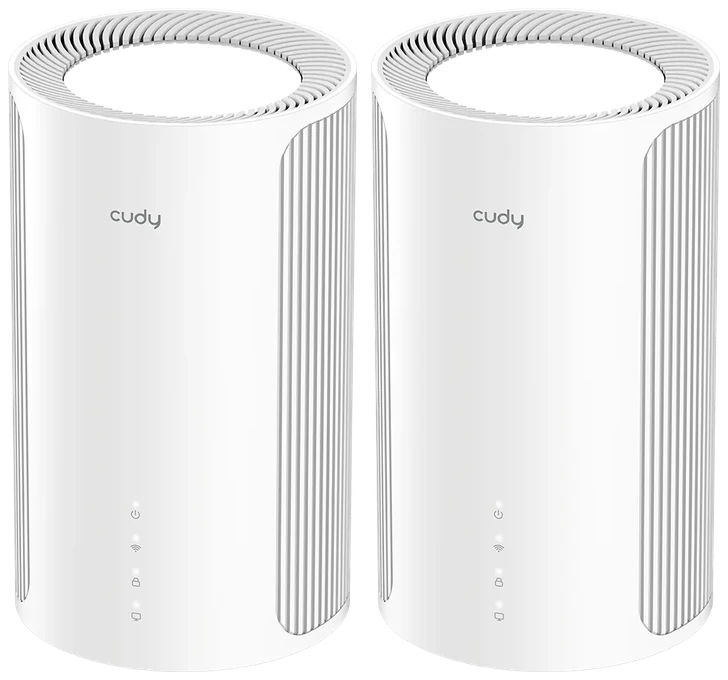
Two Cudy M11000 WiFi 7 mesh units

2-Pack

For apartments, townhouses and smaller homes, up to about 150 m².

R8,997 installed2 Cudy M11000 WiFi 7 mesh units

R5,998 for the units and R2,999 for installation

or 2 interest-free payments of R4,498.50 with

  • Replaces your ISP's router
  • Works with any ISP
  • Add units any time
Choose the 2-Pack
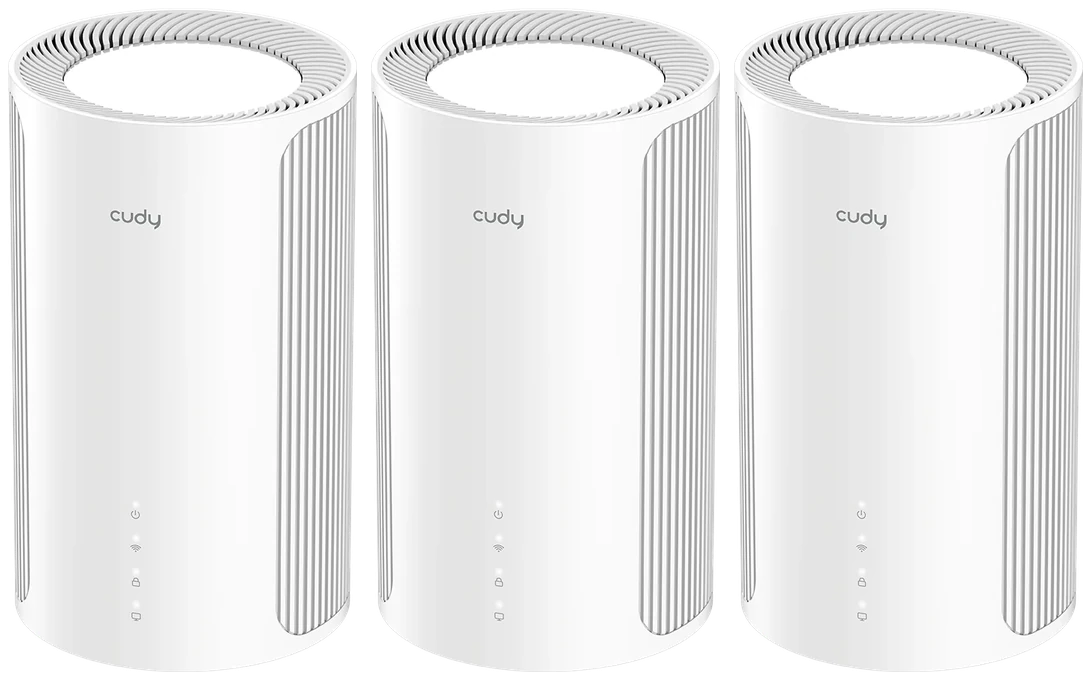
Best for most homes Three Cudy M11000 WiFi 7 mesh units

3-Pack

For most family homes and double-storeys, up to about 250 m².

R11,996 installed3 Cudy M11000 WiFi 7 mesh units

R8,997 for the units and R2,999 for installation

or 2 interest-free payments of R5,998 with

  • Replaces your ISP's router
  • A unit for each floor, plus one
  • Add units any time
Choose the 3-Pack

Extra units

For bigger homes, a garden flat, the garage or the pool. About 80 m² more each.

R2,999 each

Installation and setup

One fixed fee for any number of units. We bring the kit, find the best spot for each unit, connect your fibre and test every room.

R2,999

Coverage figures are our own conservative guide for typical brick homes. Cudy rates the 2-Pack at 250 m² and the 3-Pack at 350 m² in ideal conditions. Walls, floors, layout and interference from nearby networks all reduce range, so results vary from home to home. For additional coverage, simply add more units.

Not sure which pack? Answer three quick questions

“With three teenagers streaming and gaming at the same time, our old Wi-Fi used to crash every afternoon. Since getting Bulletproof’s mesh system, there’s zero TV buffering, even in the furthest bedrooms. The kids are thrilled and the house is finally peaceful!”

Liam van der MerweStellenbosch

Ready for WiFi that's Bulletproof?

Choose your package and pick a date.

WhatsApp